
POP717 Login: Every Question Answered
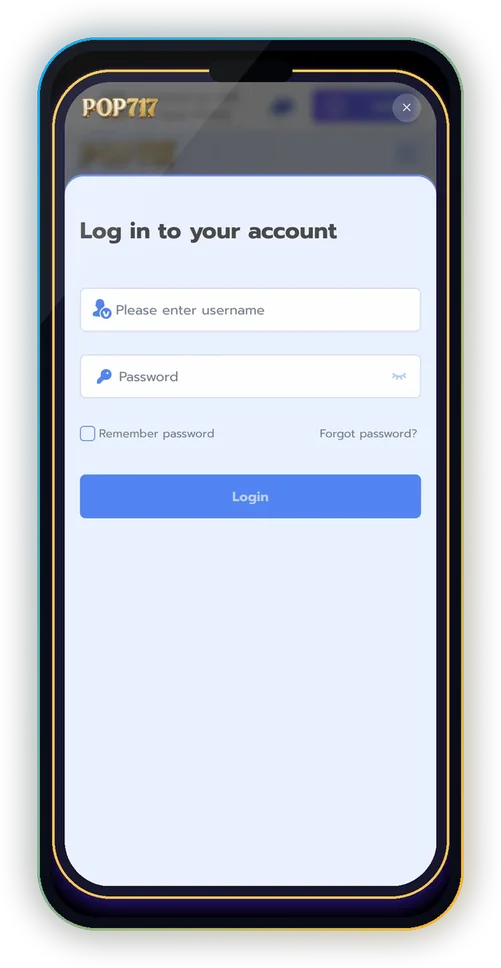
The POP717 login asks for two things: your username and your password. That’s all. Below, each heading is a question players actually ask, with the shortest correct answer and the screen it happens on.
Don’t have an account yet? Read the POP717 register walkthrough or the POP717 hub.
The real POP717 site is already open here. Scroll inside the phone, or open it full screen to sign up.
Where is the POP717 Login Button?
On the home screen, inside the Welcome bar near the top. After you sign in, that bar shows your balance instead.
Is My Login My Phone Number?
No. POP717 uses the username you chose when you registered. It can’t be changed, so write it down.
How Do I Stay Signed In?
Tick Remember password before tapping Login, but only on your own phone. The installed app also keeps you signed in.
I Forgot My Password. What Now?
Tap Forgot password? on the login screen. If that doesn’t solve it and you’re still logged in on another device, open Mine → Support from there.
I Forgot My Username. Can I Recover It?
Check any screenshot from the day you registered, or ask Mine → Support from a device that’s still logged in. Support will ask for details to confirm it’s your account.
Why Does It Say the Password Is Wrong?
Usually a typo, Caps Lock, an auto-filled old password, or a space at the end. Clear the box, type it by hand and use the eye icon to check.
Why Do I Keep Getting Logged Out?
Private/incognito mode or a cleaner app is deleting browser data. Use a normal tab, or install the app from the Install bar.
Can I Log In on Two Phones?
Yes, it’s one account. Log out on any phone you don’t own; Log out is the last item on Mine.
A Site Looks Like POP717 but Won’t Accept My Login. Why?
It’s probably a copy site collecting passwords. Close it, use only pop717.com, and change your password from Mine → Security Center if you typed it there.
What Do I See After Logging In?
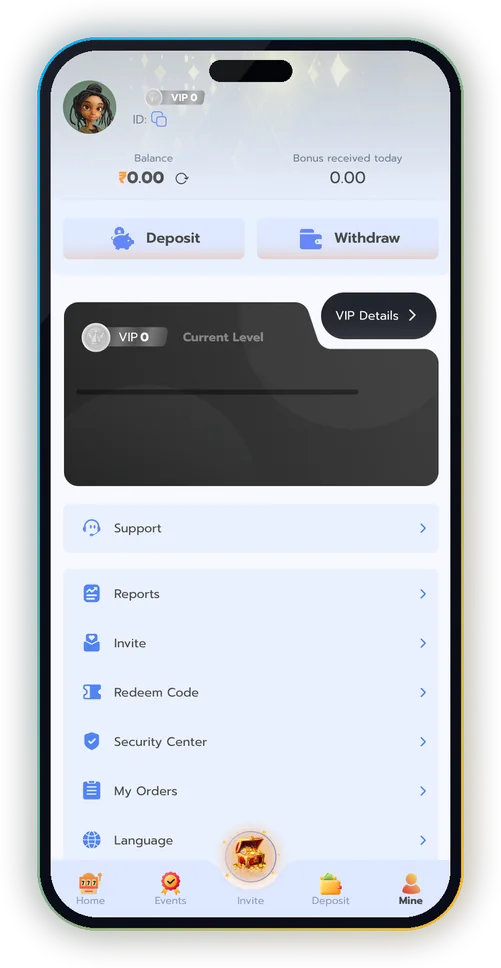
The Welcome bar becomes your balance, and the bottom bar opens Deposit, Invite and Mine. Mine shows your VIP badge, ID, balance and the full menu.

Login Safety Checklist
- Never share your password or an OTP.
- Change your password from Security Center if you suspect anything.
- Gift codes are typed by you; nobody needs your login to add one.
- Log out on shared devices.
More Questions
What is my POP717 login ID?
Your username.
Can I change my username?
No, it is fixed.
Where do I change my password?
Mine → Security Center.
Is the app login the same as the website?
Yes.
Explore More of POP717
The full POP717 hub
Android, iPhone and APK safety
Your first 10 minutes
Signup bonus, codes and Events
Wallet, play-through, My Orders
138 tables, crash, cards, fishing
Support, Security Center, scams
Invite Center and commission
POP717 and other app screens
Sign In to POP717
Username, password, Login. That’s it.
18+ only · Real-money games carry financial risk · Play within limits · Help: Tele-MANAS 14416